Article
Why wetter dough opens the crumb
crumbnotes.example · 3 weeks ago
Bookmarks, read for you
Stash reads every page you save: it writes the summary, takes the screenshot and indexes it by meaning. Later, describe what you half-remember, or just ask.

Describe it the way you remember it. Exact words are optional.
Plus a screenshot, so you can recognise a page before you open it.
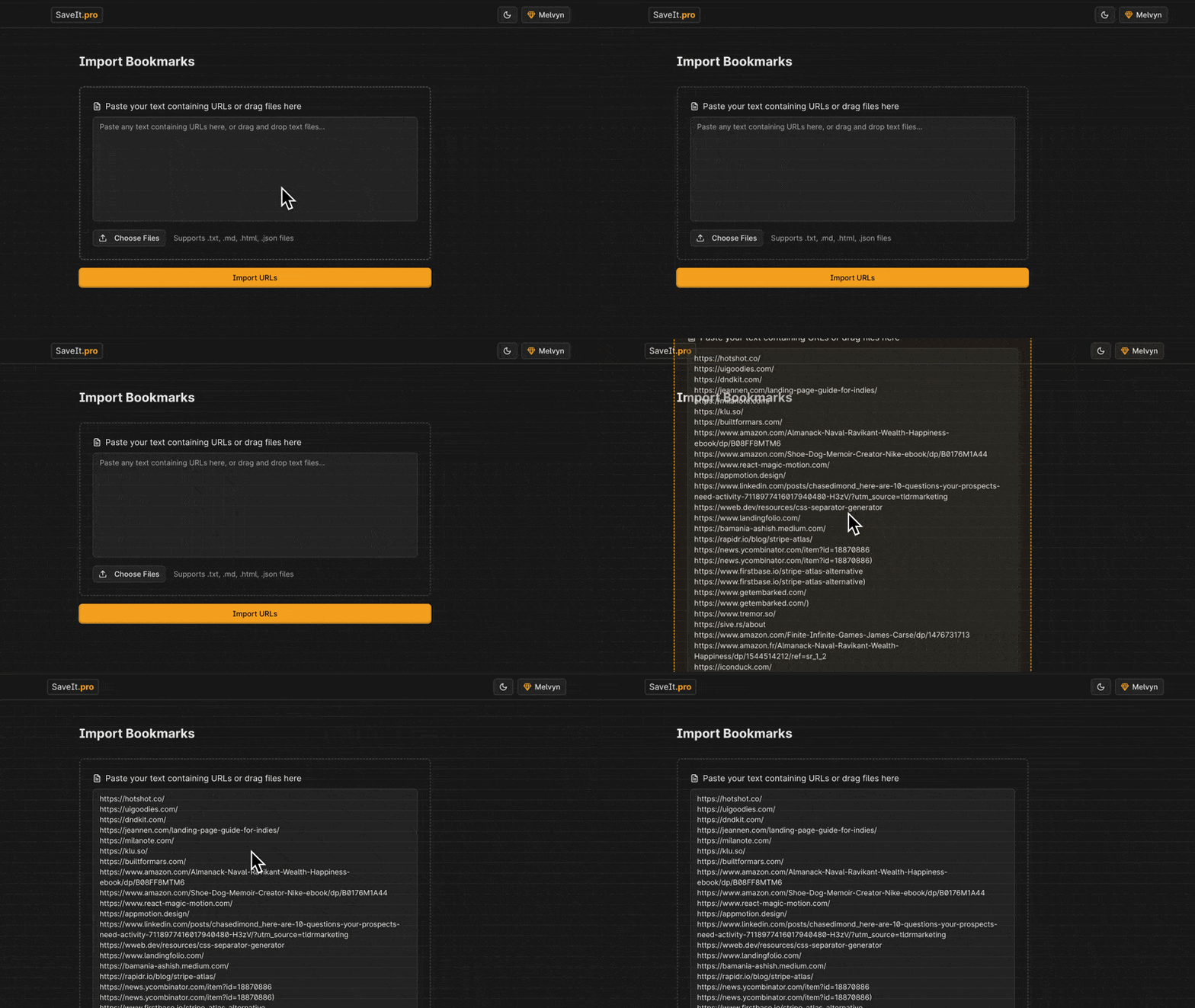
Import old bookmarks in one paste, export everything whenever you want.
Each save is recognised as an article, a video, a PDF, an image or a post, and gets its own summary and screenshot. This is an example library.
crumbnotes.example · 3 weeks ago
foldfilm.example · 2 months ago

photos.example · yesterday
edgecache-notes.example · 5 days ago
files.example · 4 months ago
social.example · 1 week ago

photos.example · 2 weeks ago
kitchenbench.example · 1 year ago
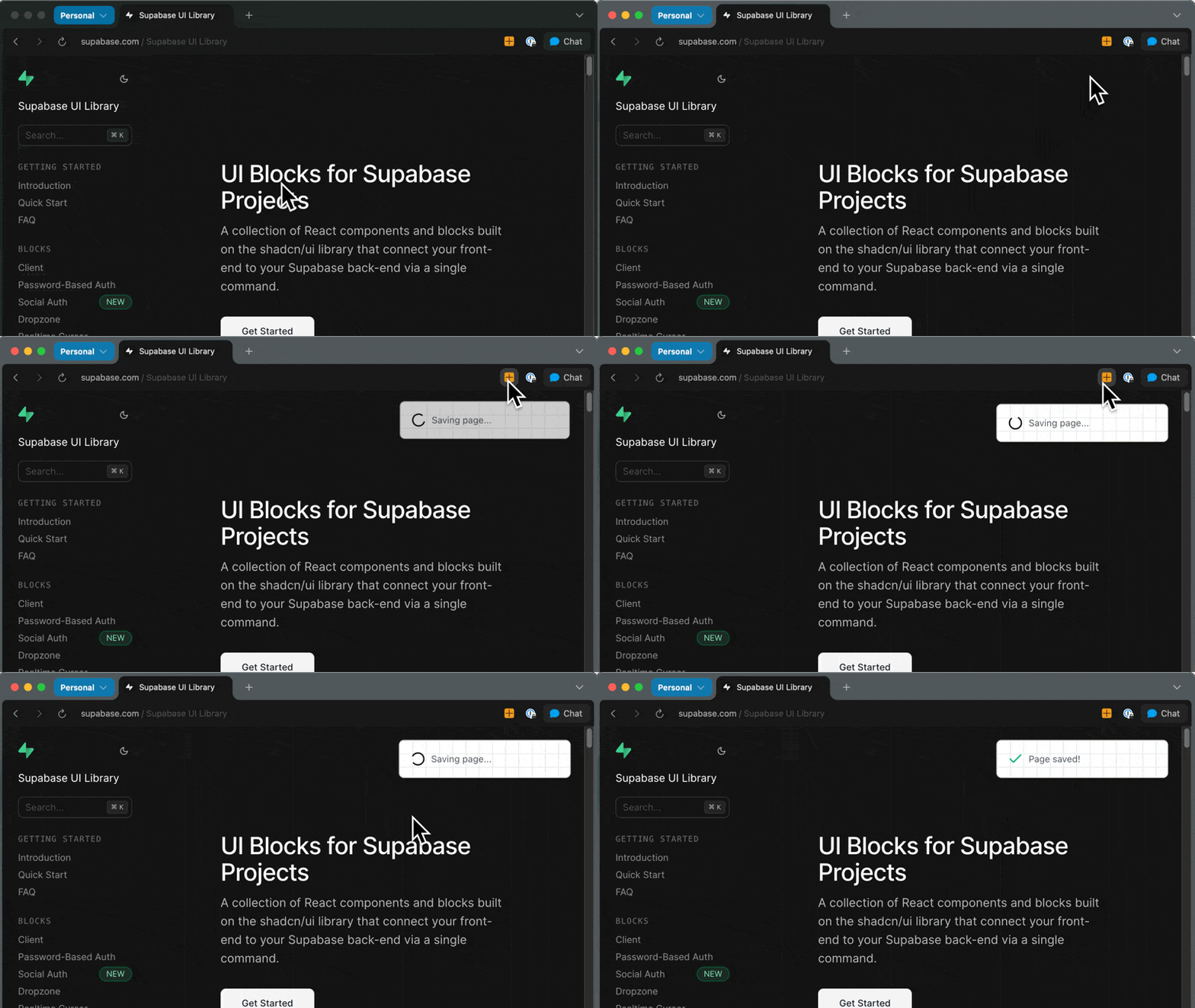
From the browser extension, the web app, a pasted list of URLs, an import of your old bookmarks, or the API. One action, no folder to pick.
Reading the page
The page is fetched, screenshotted and summarized. It is recognised as an article, a video, a post, a PDF or an image, and indexed by meaning rather than by keywords alone.
Three saves. The one you opened twice explains why stale-while-revalidate beats a short max-age for pages that change hourly. The other two are a CDN vendor’s guide and a short video walkthrough.
Example conversation. If it is not in your library, it says so.
Search with whatever you remember, however vague. Or ask a question and get an answer built from your own saves, with the links it came from.
However a link reaches you, it ends up in the same library and gets read the same way.
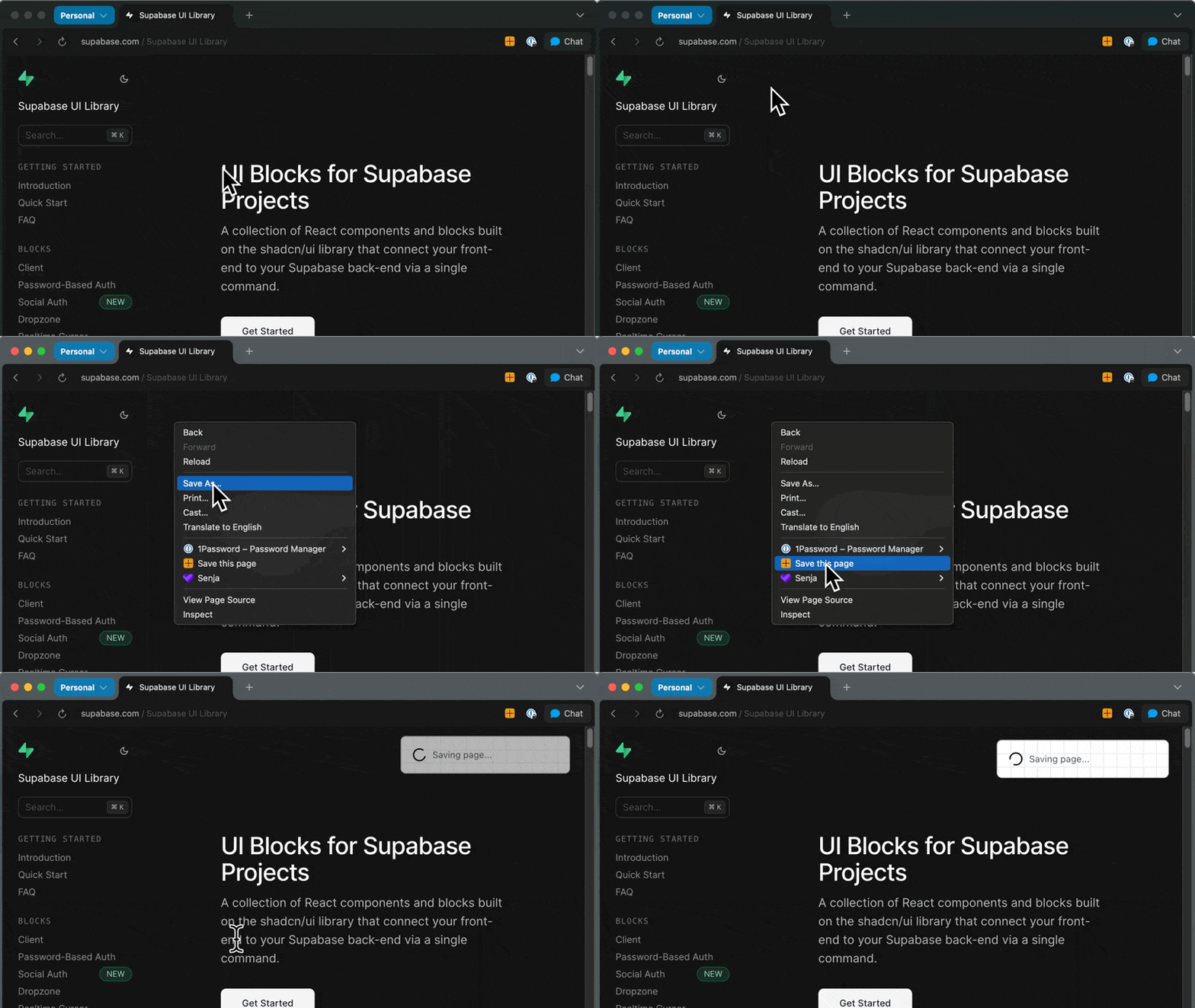
Chrome and Firefox extensions save the page you are on in one click, without leaving it.
Get the extensions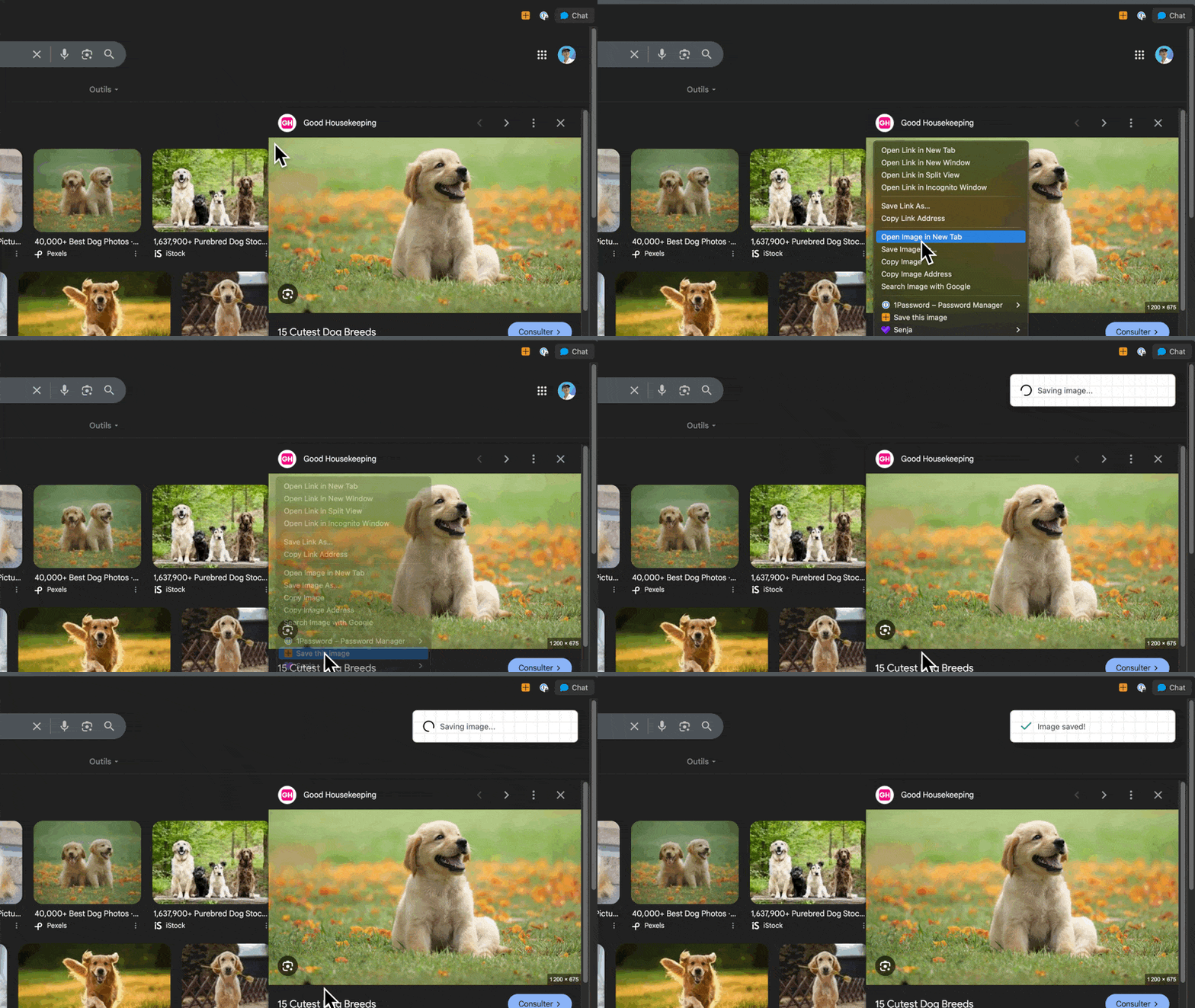

Example queries. Describe what you remember; the words do not have to match the title of the page.
Save your first link and search for it with the vaguest words you can think of.